
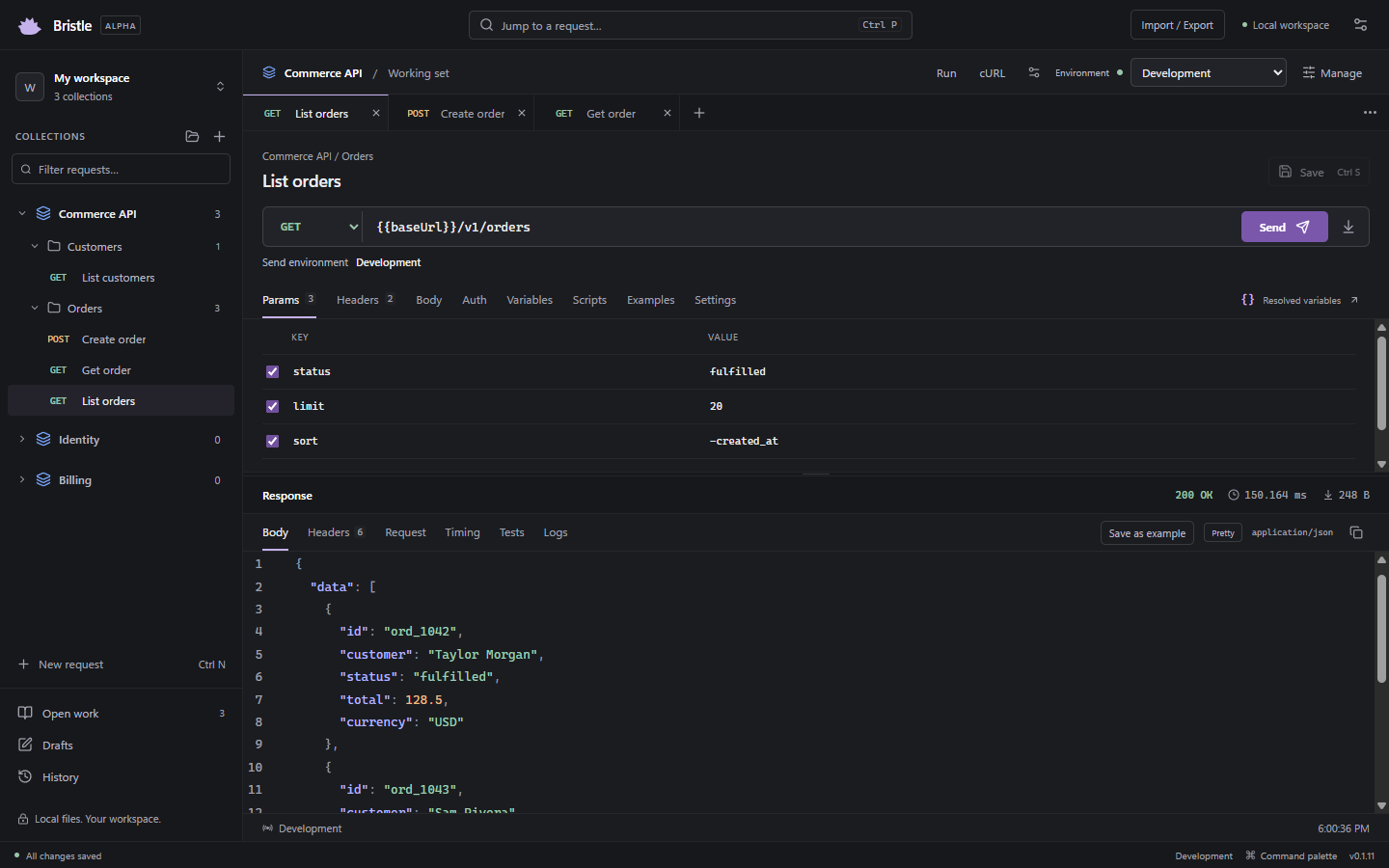
Collections own their tabs.
Move between services without bringing every open request along. Your working set stays with its collection.
A local API client · Mac beta available
A place for every request. Room to experiment.
Bristle keeps your collections organized and your work on your machine.
macOS · 0.1.11 Beta 1 · Free during beta
01 / A little less clutter
Each collection remembers its own open requests. Browse in a replaceable preview, keep what matters, and return to the work you left.
Move between services without bringing every open request along. Your working set stays with its collection.
Edits are checkpointed locally. Save deliberately to update your collection files. Closing a view keeps its draft.
Find a request, recover a draft, or revisit a response. History and comparisons keep previous results within reach.
02 / Know where you’re sending
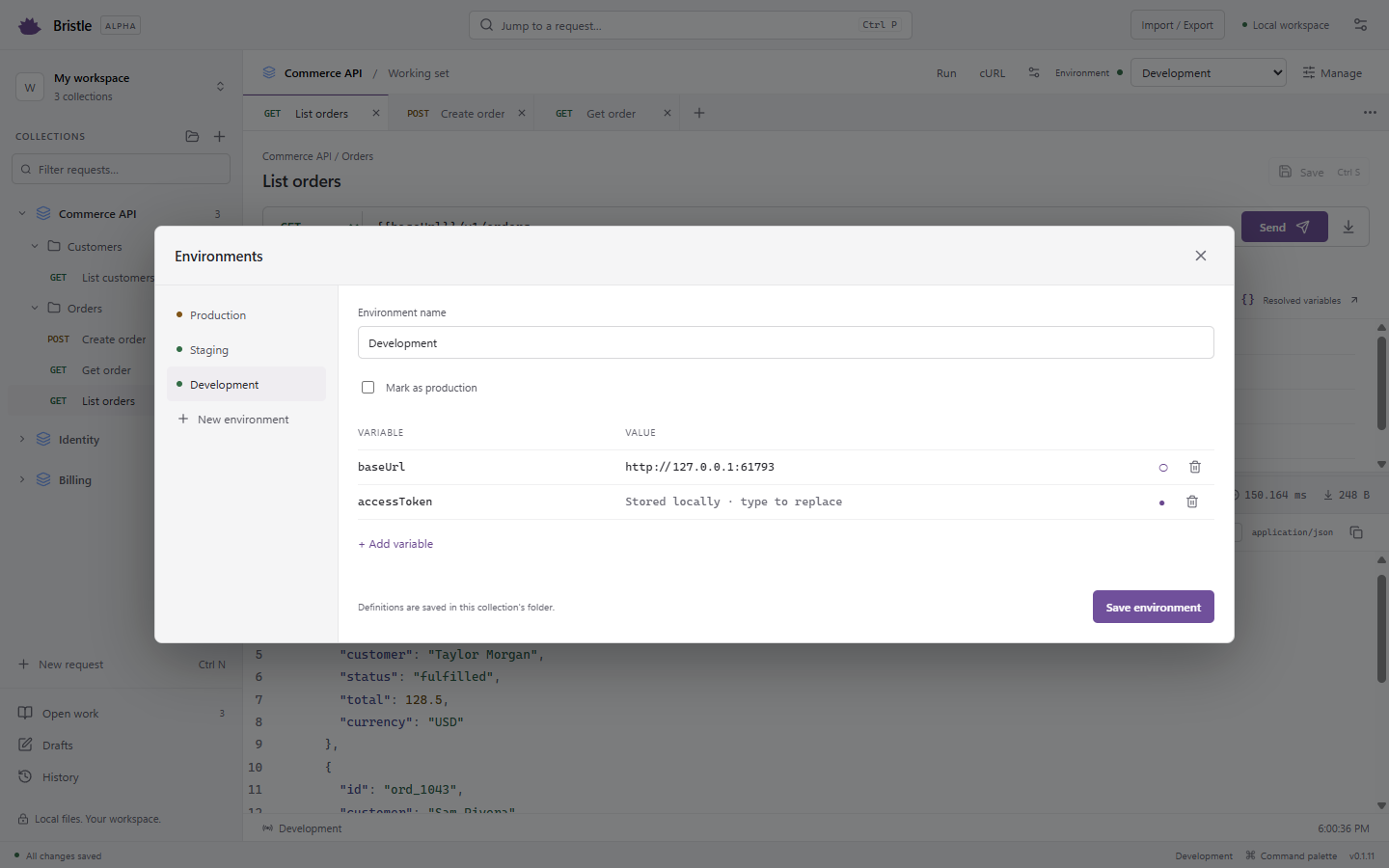
Give each collection its own named environments. See the effective environment beside Send, and insert variables or local secret references by typing {{.
03 / Yours from the start
Collections live in readable files in folders you choose. Bring an OpenAPI spec or a Postman export, review the import, and keep your collection files in your own Git workflow.
Before you get started
Yes, Bristle is free during beta. No payment or account is required. Long-term pricing has not been decided.
Bristle has no vendor cloud sync or app telemetry. Requests go to the endpoints you choose. Collection files live in your selected folders; private drafts and secrets stay on the device. Read the data-handling details.
You can preview and import Postman v2.1 collections and environment exports, OpenAPI 3.0/3.1 specs, and cURL commands. Compatibility is not complete; review import warnings and scripts. Start with the migration guide.
This beta is distributed directly. Both Mac builds are Developer ID-signed and Apple-notarized. Download the DMG and drag Bristle into Applications. Updates are manual.
This public beta offers Mac downloads only. Windows and Linux public releases are outside this launch. There is no announced release date.
Core workflows have automated verification on both Mac architectures. Performance work, broader manual Mac testing, and migration from earlier unsigned builds remain open. Read the current limitations.
Try Bristle with one collection. Tell us what gets in your way.
macOS · 0.1.11 Beta 1 · Free during beta